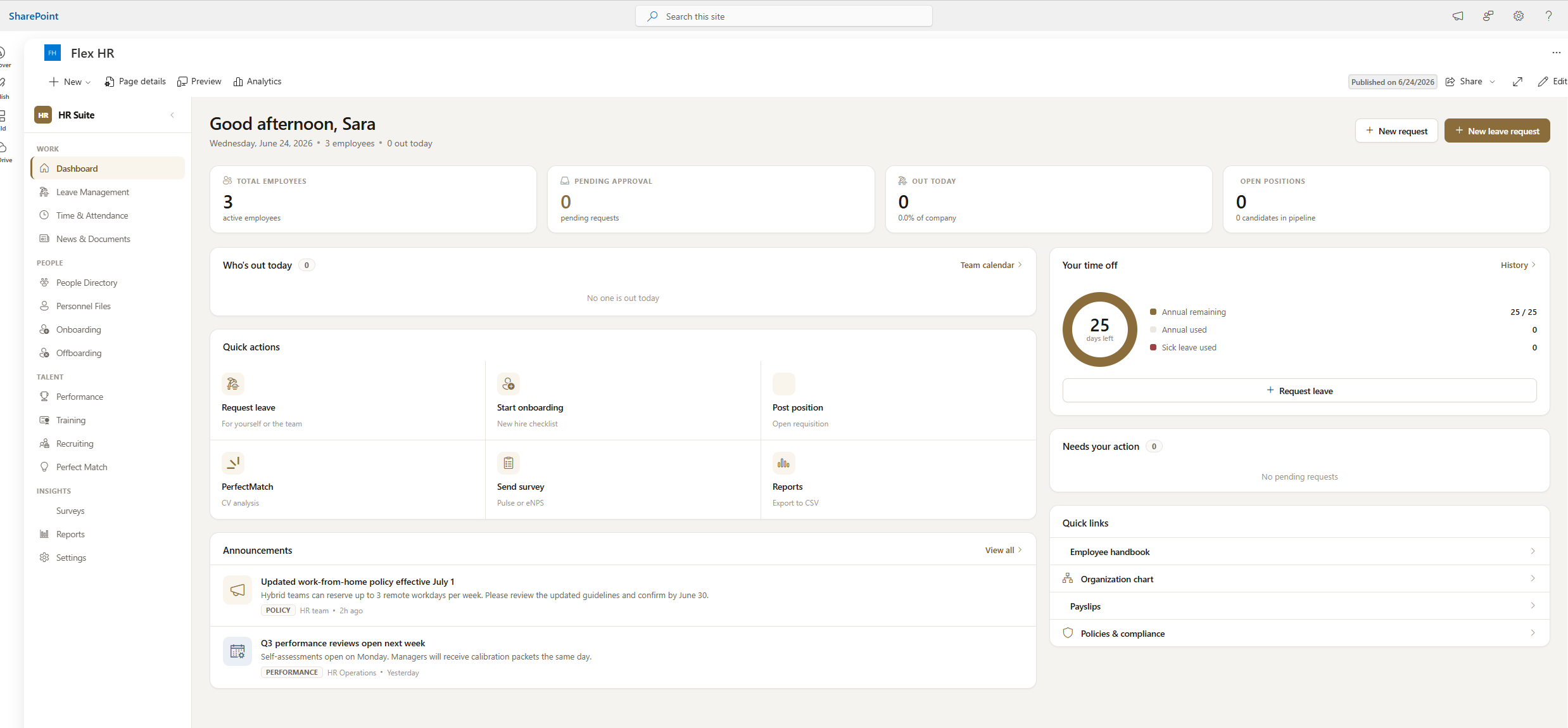
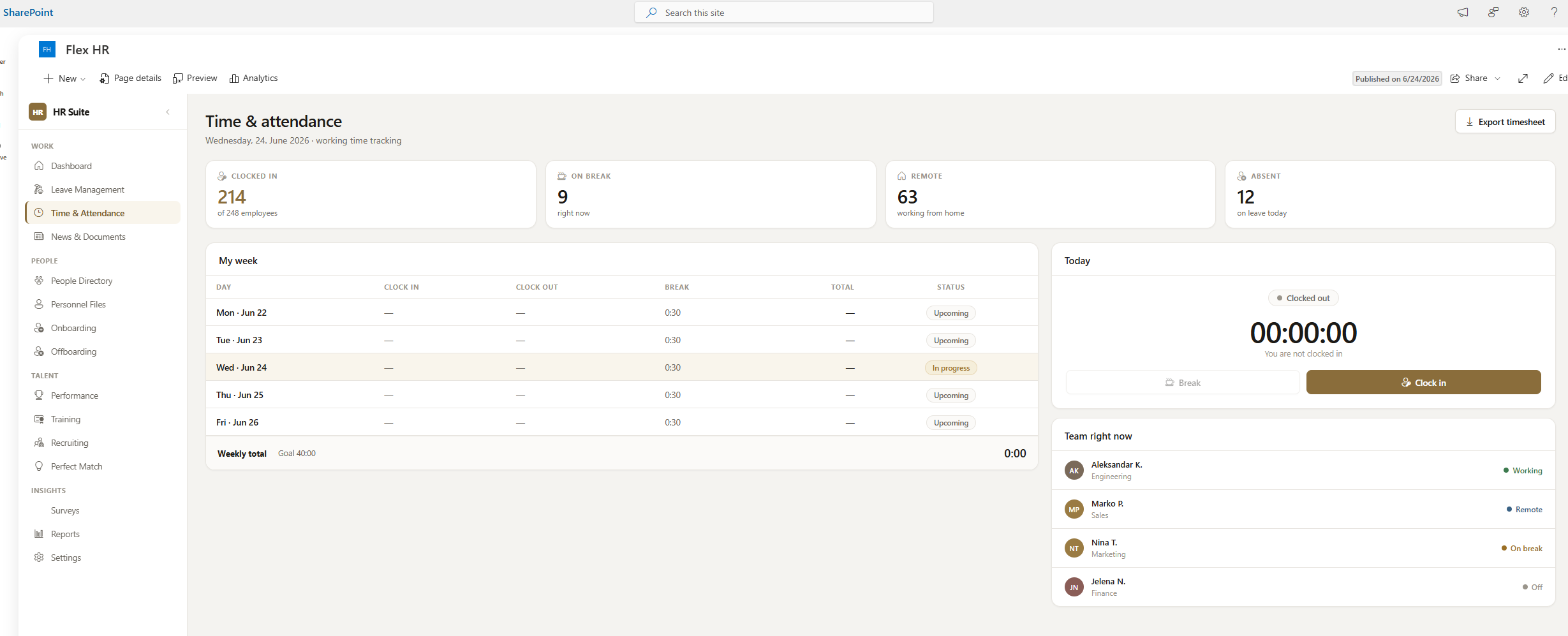
From scattered spreadsheets and email chains to a unified HR platform covering the entire employee lifecycle — without leaving Microsoft 365.
The client's HR team managed onboarding via email, leave requests via Excel, training records in a separate LMS, and surveys through a third-party tool — none of which were connected. Approvals were slow, data was duplicated, and employees had no single place to check their status.
The company already paid for Microsoft 365 but used it only for email and Teams calls. They needed a solution that used what they already had, cost nothing extra in licensing, and could be deployed quickly without a long IT project.
Flex HR Suite is a single SharePoint Framework (SPFx) web part deployed directly into the client's Microsoft 365 tenant. Built with React and Fluent UI, it surfaces as a full-screen HR portal accessible from SharePoint and Microsoft Teams.
All data lives in SharePoint lists inside the client's own tenant. Power Automate handles approvals and notifications. Copilot AI handles candidate matching. No third-party servers, no data leaving Microsoft 365.
Every module is role-aware — what HR Admins see differs from what employees see, all controlled by SharePoint group membership.
Structured checklists triggered automatically when a new hire is added. Tasks assigned per department, tracked to completion. Offboarding mirrors the same flow in reverse — equipment return, account deactivation, exit surveys.
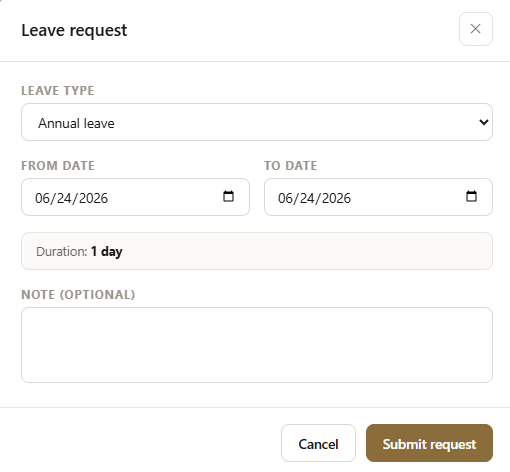
Power AutomateEmployees submit leave requests directly in the portal. Managers approve or reject with a comment. Leave balances are calculated automatically per employee per year. A team calendar view shows planned absences across the department.
SharePoint ListsHR maintains a training catalog with sessions, descriptions and capacity limits. Employees self-enroll or get assigned to mandatory sessions. Completion is tracked automatically, and certificates can be attached to the employee's personnel file.
Document LibraryHR Admins build custom surveys with a form builder — single choice, multiple choice, rating scales and free text. Surveys are published to specific groups. Responses are anonymised and aggregated into real-time dashboards. JSON export for external analysis.
Custom Form BuilderA digital employee dossier per person — contact details, role history, documents, training history, leave balance and onboarding status all in one place. Visible only to HR Admin and HR Basic roles. Employees see only their own file.
Role-Based AccessA news feed for HR announcements — policy updates, company events, benefit changes. Shared documents section for HR templates, policy PDFs and employee handbooks. Visible to all employees. Fully managed from within the portal by HR staff.
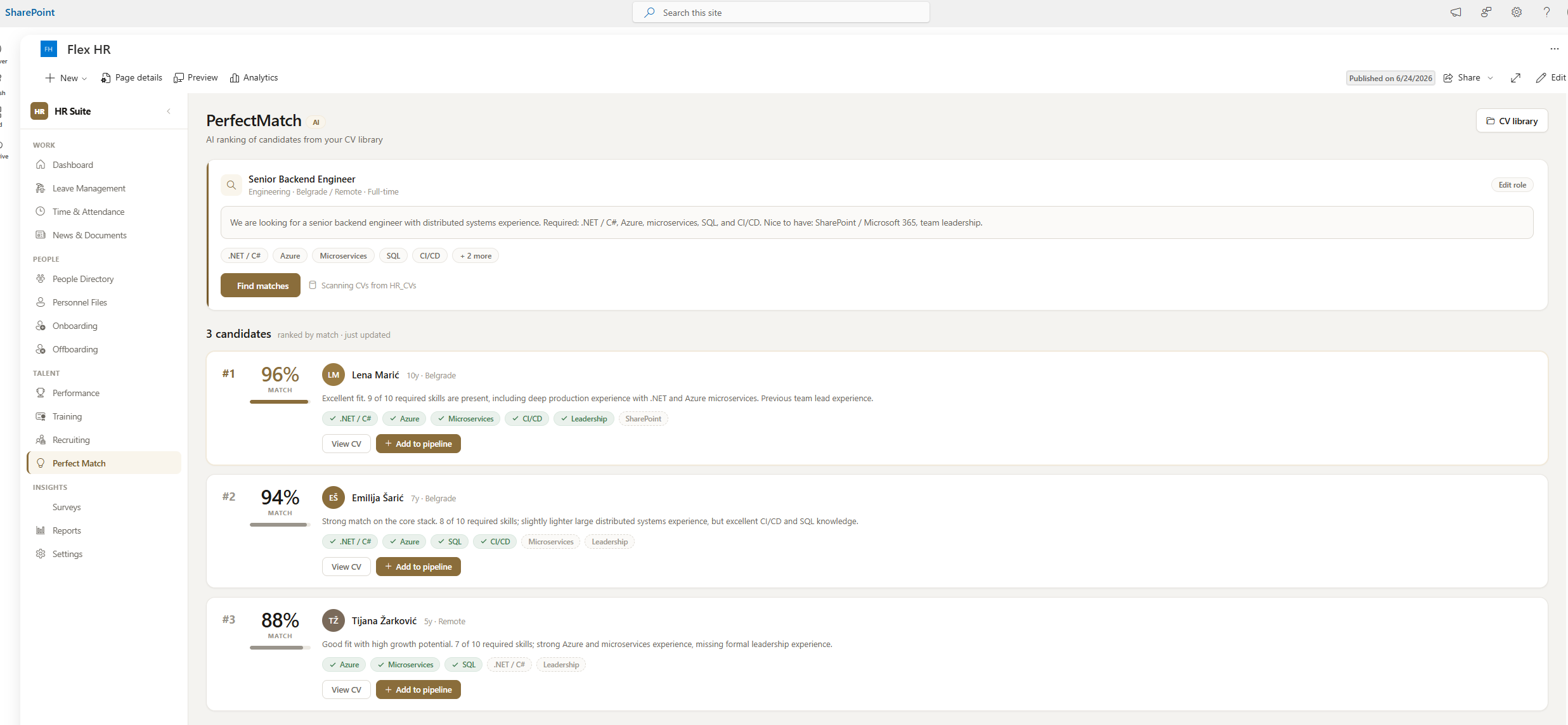
All RolesHR enters a natural-language prompt describing the ideal candidate. Copilot scans the CV library (SharePoint Document Library of PDF/DOCX files) and returns the top 3 and top 10 matches ranked by fit percentage. Candidates below 90% match include a gap analysis showing what skills or experience is missing.
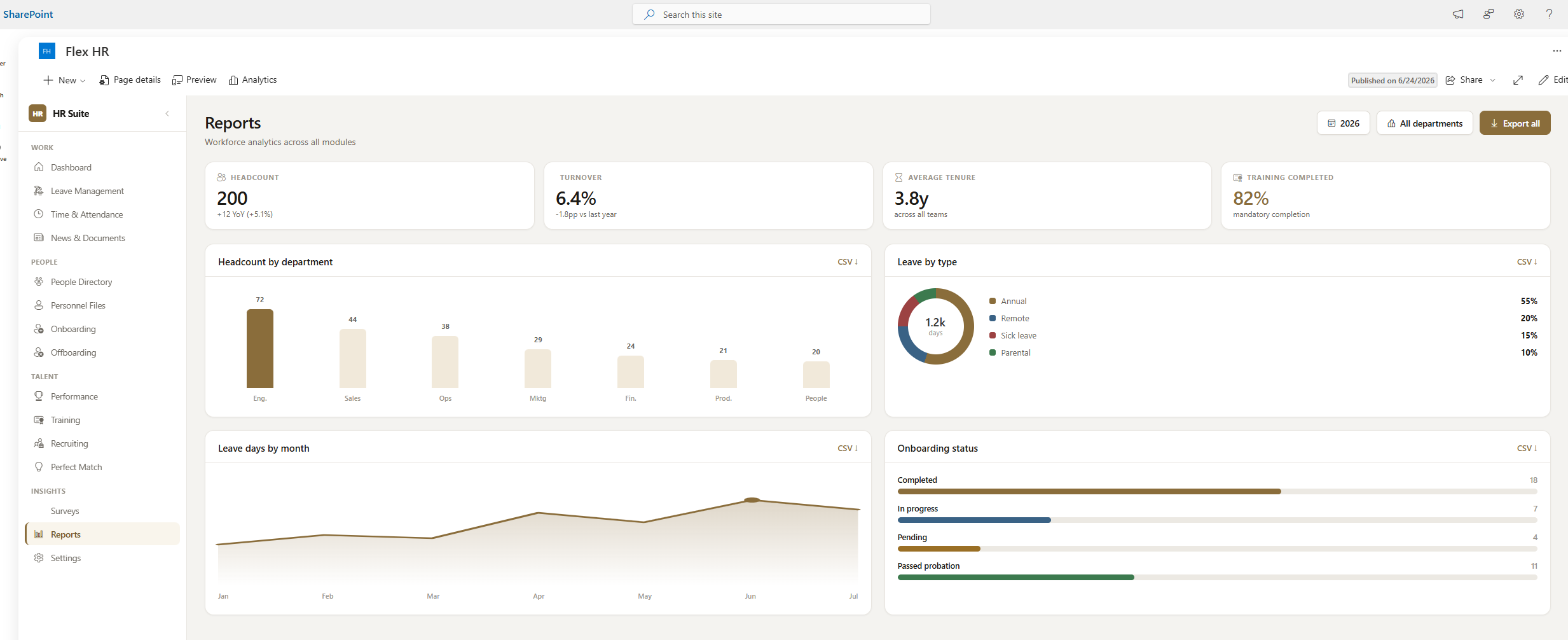
Microsoft CopilotA real-time overview of key HR metrics — headcount, active onboardings, pending leave requests, training completion rates, upcoming offboardings. Export to Excel for payroll and audit purposes. Visible to HR Admin and HR Basic only.
Power BI readyRole assignment is done entirely through SharePoint group membership — no custom configuration needed after deployment.
A phased approach that keeps disruption minimal and delivers value from day one.
Kick-off call to confirm role names, SharePoint site URL, language preference and modules to activate. Client approves the final module scope.
PowerShell script creates all 11 SharePoint lists and the CV document library. App catalog entry deployed. SPFx package installed in tenant.
Approval flows configured for leave requests, onboarding tasks and offboarding. Email templates adjusted to client's brand. Test runs completed with HR team.
HR Admin and HR Basic users test all flows end-to-end. Admin documentation and user guide delivered. Training session for HR team (1–2 hours).
Web part added to the company intranet homepage and Teams tab. Employees notified. 2-week hypercare support window begins.
We had six different tools for HR. Now everything is in one place — inside Microsoft 365, which we already pay for. The onboarding module alone saves our HR team about 4 hours per new hire.
No external servers. No third-party SaaS. All your data stays inside your Microsoft 365 tenant, protected by Microsoft's enterprise security.
Book a free 30-minute live demo and see how your team can have a complete HR platform running inside Microsoft 365 within a week.
📅 Book a free demoSee how other teams are using Flex 365 inside Microsoft 365.